User-first overview
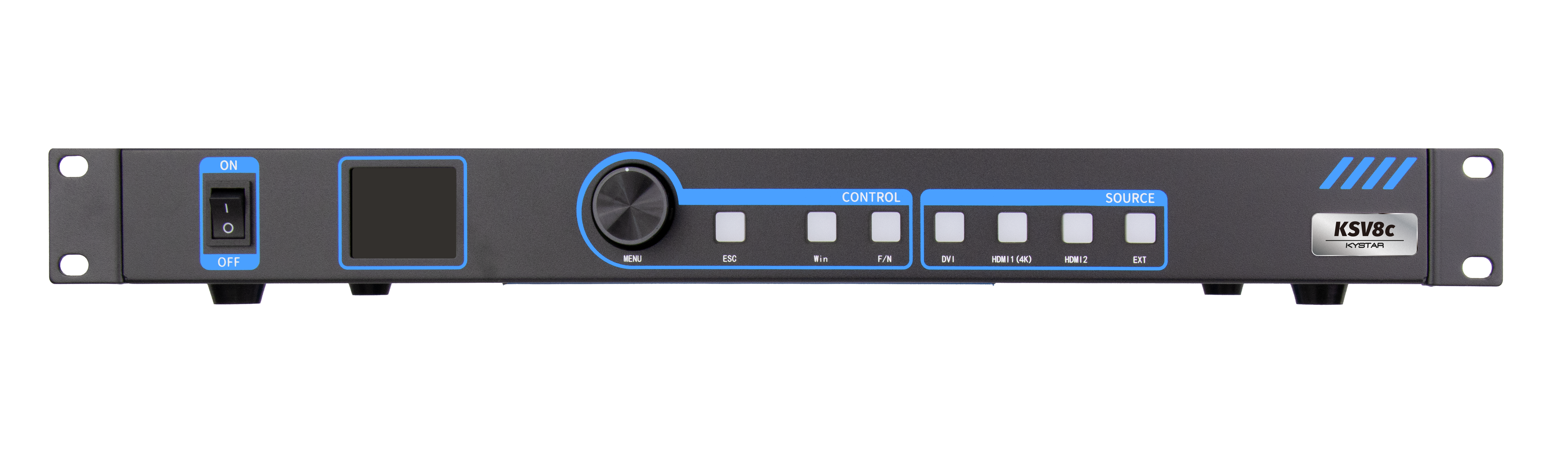
For people who care about crisp visuals and low-lag playback, start with the controller — not the cabinet. Many projects stumble because they pick panels first then struggle to sync them; better to plan around a solid LED video controller and system architecture. This piece speaks like a field tech guiding a client: clear, actionable, and no nonsense lah. We treat real needs first — brightness, colour consistency, latency — and then match parts, cabling, and software to deliver predictable results.
Why pixel pitch and refresh matter to your viewers
Pixel pitch defines how close viewers can stand without seeing the grid. Smaller pitch gives finer detail but costs more and demands stronger processing. Refresh rate reduces flicker on camera and for fast motion; broadcasters often prefer higher refresh to stabilise live feeds. Think of these as ergonomic decisions: choose pixel pitch by viewing distance, pick refresh rate by motion complexity, and spec an LED driver and scaler that can sustain that load without thermal throttling.
Practical checklist for system selection
Keep this short and follow it: 1) Define viewing distance and target resolution (4K = 3840×2160 pixels for most UHD installations). 2) Match pixel pitch to distance. 3) Choose a controller and frame buffer that support your colour pipeline and HDR needs. 4) Confirm cabling and power distribution meet peak draw. 5) Allow for service access and spare modules. If you hit a budget squeeze, compromise on pixel pitch rather than on controller capability — poor control shows up everywhere, fast.
Common mistakes and how to avoid them
Teams often buy cheaper panels, then discover the controller can’t handle multi-layer compositing or live scaling — then everything lags. Another frequent slip: assuming all LED modules have the same colour gamut; they don’t, and panels from different batches can drift. Test batches before installing. Also, don’t under-spec the cooling: thermal stress shortens LED life. — Small shortcuts today become big repair jobs tomorrow, okay?
Operational teardown: workflows for smooth 4K playback
When you plan for processing 4k video, pipeline clarity saves time. Start with source codec and confirm your controller supports the required chroma subsampling and HDR metadata. Insert a scaler early to avoid overloading the controller with runtime rescaling. Keep a single colour-management path from source to LED driver to avoid mismatched LUTs. In practice, that reduces troubleshooting during rehearsals and frees ops to focus on creative tweaks.
Real-world anchor: what live venues teach us
Look at Times Square or major stadium installs: they prioritise viewing distance rules and robust controllers so content reads the same night after night. Also, the 3840×2160 benchmark for 4K gives clear engineering targets for bandwidth and storage. Broadcast teams learned from major events that consistent refresh and stable frame buffers are non-negotiable when cameras roll and thousands watch — that’s hard data you can apply to any corporate or live event deployment.
Alternatives and trade-offs
If budget limits you, consider renting higher-end controllers and using slightly coarser panels for events. For fixed installs, invest in a modular controller architecture that lets you upgrade scaler and processing cards over time. Software-based compositors can be flexible but demand CPU/GPU headroom; hardware controllers cost more upfront but offer predictable latency and offload the host machine.
Advisory: three golden metrics to judge your setup
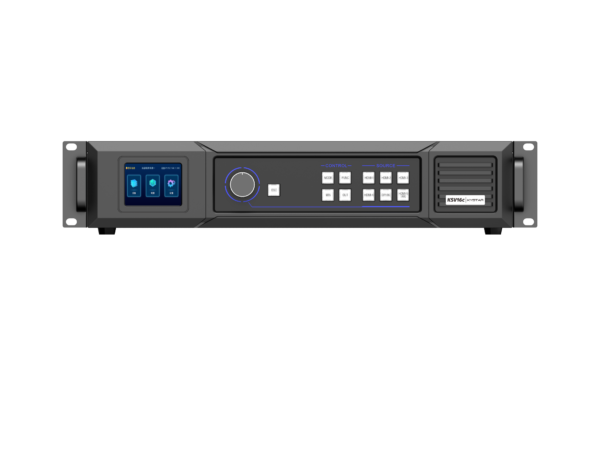
1) Latency budget — measure end-to-end delay from input frame to LED refresh; keep this within your camera-sync or interaction tolerance. 2) Colour delta consistency — verify ΔE across panels after calibration; low variance means less visible seams. 3) Sustained power draw vs supply capacity — confirm your power system supports continuous peak load plus a safety margin. These three metrics catch most ugly surprises before show day, and they guide sensible upgrades.
Summing up: start with the control brain, pick pixel pitch by viewing distance, and lock down refresh and power early. That sequence gives reliable visuals and easier ops. For practical deployments where reliability matters, Kystar sits in that sweet spot between component quality and integration know-how — solid, dependable, can fix things fast. —